
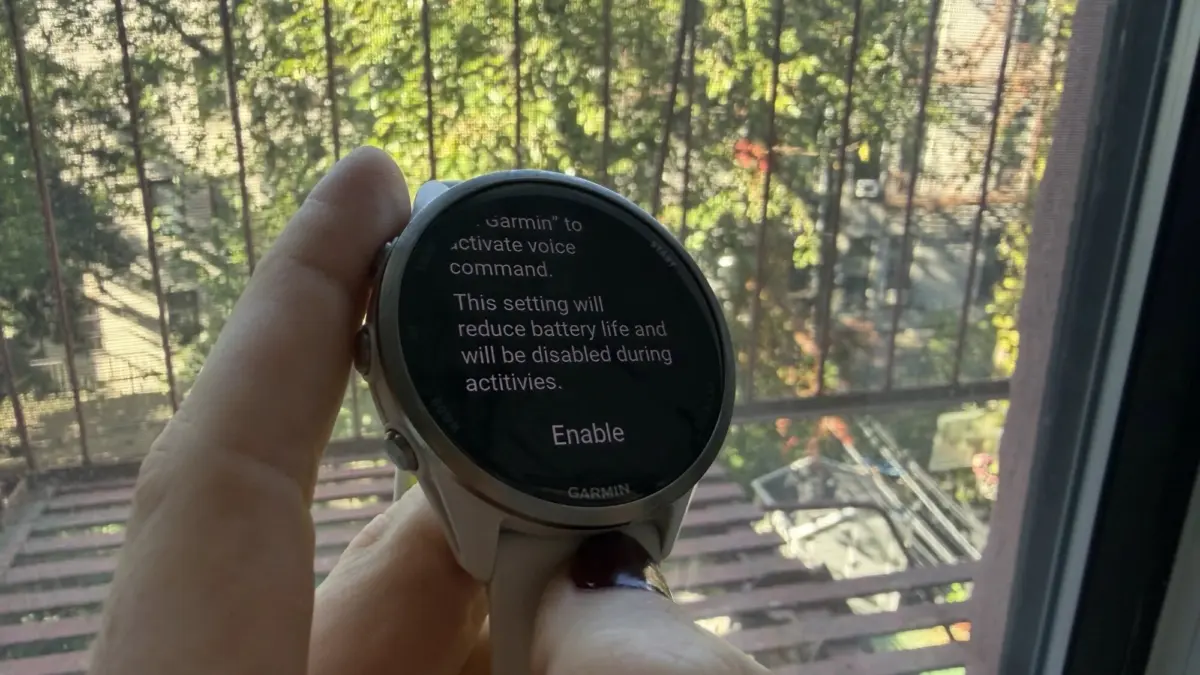
The software update, which rolled out globally in September, brought a suite of new capabilities to several of the company’s flagship wearable devices. Affected models include the rugged Fenix 8, the Forerunner 570 and 970 multisport watches, the lifestyle-focused Venu 4, and several other compatible devices across Garmin’s extensive ecosystem. While the update introduced welcome additions such as all-day fall detection, new Quick Workouts, and updated Garmin Run Coach plans, it is the hands-free voice command functionality that has quickly become a focal point of user frustration.

The "OK Garmin" feature allows users to bypass physical buttons entirely, waking up the device’s voice assistant simply by speaking the wake phrase. However, early adopters quickly noticed that enabling this feature comes with a heavy operational cost. According to numerous user reports and discussions on Garmin’s community forums, the constant listening required to detect the wake phrase causes projected watch runtimes to plummet drastically, with some users reporting efficiency losses ranging from 35% to 50%.
Garmin has officially acknowledged that enabling these advanced background settings results in shortened battery life, though the manufacturer’s documentation does not explicitly detail the exact magnitude of the drain for individual models. From a technical standpoint, the rapid battery consumption is an expected trade-off; an always-listening microphone and its underlying processing architecture require a continuous draw on the device’s power reserves. Even so, surrendering days of vital runtime is proving to be a steep price for a convenience feature that many athletes and daily users may utilize only infrequently.
Fortunately, for users who prefer maximum battery longevity over hands-free voice activation, the remedy is straightforward. Disabling the "OK Garmin" wake word in the device settings immediately restores the watch’s estimated battery life projections back to normal levels.

For owners experiencing accelerated battery drain since applying the September update, the setting can be deactivated by navigating through the device menu to Settings, selecting System, opening the Voice submenu, and toggling off "OK Garmin." Users also have the option to disable the Phone Assistant wake word from the same menu if they wish to completely eliminate background voice-listening processes. Garmin has clarified that turning off the hands-free wake phrase does not remove voice command capabilities altogether; users can still trigger the assistant manually at any time by pressing the appropriate physical controls on the watch casing.
Industry observers and community members note that the figures circulating online are currently based on the watch’s internal battery estimates rather than extensive, independently verified real-world endurance tests. Furthermore, it is possible that some of the battery complaints logged across forums in the weeks following the software release may stem from unrelated background processes or app configurations.
Nevertheless, the sudden drop in projected runtime has sparked broader conversations among the Garmin community about the balance between modern smart features and core fitness tracking reliability. For a brand whose devices are heavily relied upon by endurance athletes, marathon runners, and outdoor adventurers who depend on multi-day or multi-week battery performance during long expeditions, trading away a significant portion of battery longevity merely to avoid pressing a button remains a contentious bargain.